
Generate accurate citations in various styles for academic and professional use, saving time and ensuring compliance.
Get Started in Seconds
Your quickstart guide to mastering the basics and seeing results fast.
Select Source Type
Choose the type of source from the dropdown menu.
Pick Citation Style
Select your required citation format like APA or MLA.
Enter Source Details
Fill in author, title, year, and any extra information.
Generate and Copy
Click generate and copy the citation for your use.
Who is it Designed for?
Ideal for academic and professional users needing quick, accurate citations.

Academic Paper Writing
- Struggling to format citations correctly for research papers. Use the tool to input source details and generate compliant citations. Saves time and reduces errors in submissions.
- Need to cite multiple sources in different styles. Select the style and source type to get consistent citations. Ensures adherence to academic standards.
- Facing tight deadlines for thesis writing. Quickly generate citations for books and articles. Helps meet submission requirements efficiently.

Content Creation
- Writing blog posts that require references. Input website details to generate proper citations. Enhances credibility and avoids plagiarism issues.
- Creating reports with sourced data. Use the tool for accurate citation of journals and websites. Improves content quality and reader trust.
- Producing educational materials with citations. Generate formatted references for various sources. Supports clear and professional documentation.

Professional Documentation
- Preparing business reports with references. Input conference papers and books for correct citations. Maintains professionalism and accuracy in documents.
- Compiling marketing materials with sourced statistics. Use the tool to cite data from articles. Ensures reliable and verifiable content.
- Developing project proposals with academic backing. Generate citations for research sources. Strengthens proposals with proper attribution.

Research Analysis
- Analyzing trends with multiple data sources. Input details to get standardized citations. Facilitates organized and traceable research.
- Reviewing literature for insights. Use the tool to cite various publications. Aids in systematic review and analysis processes.
- Tracking sources in investigative work. Generate citations for articles and websites. Supports thorough and accountable research practices.
Why Choose ClipMind?
Everything you need to create professional mind maps

Smarter Than Traditional Mind Map Tools
Smarter Than Traditional Mind Map Tools
Most mind mapping apps make you start from scratch. ClipMind uses AI to instantly turn any webpage into a structured mind map, so you save hours of manual work.
More Flexible Than AI Assistants
More Flexible Than AI Assistants
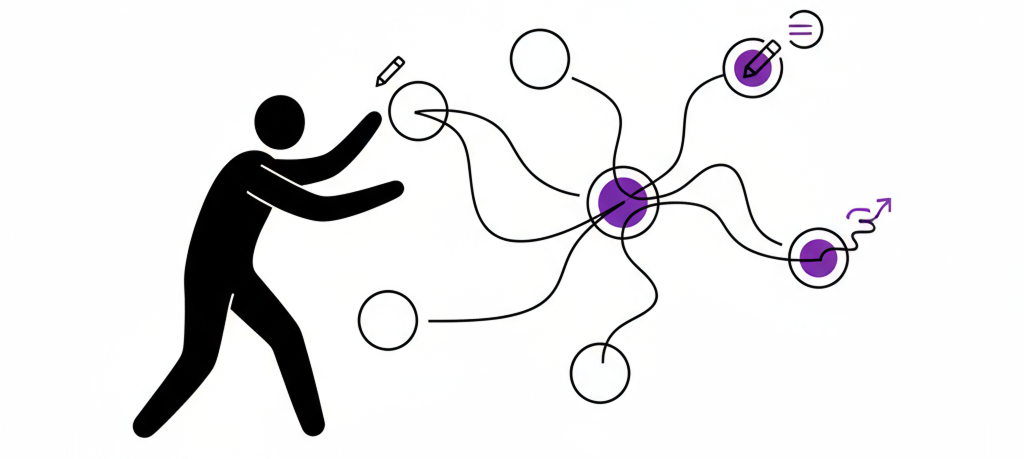
Other AI tools may brainstorm or summarize, but they don’t let you edit, export, or customize freely. With ClipMind, your mind map is fully editable, exportable, and styled your way.

Clarity Without the Noise
Clarity Without the Noise
We clean up ads, menus, and irrelevant clutter before generating your mind map, so you only get what matters.

Built for Everyone, Free to Start
Built for Everyone, Free to Start
Just open the extension and start mapping ideas—whether you’re a student, researcher, product manager, or creator.
Frequently Asked Questions
Find quick answers to the most common questions about Citation Format Generator.