Turn Time-Based Videos into Structured {Mind Maps}

Turn Time-Based Videos into Structured Mind Maps

YouTube videos unfold over time. Ideas are scattered across minutes or hours of footage. ClipMind restructures any video into a visual mind map with timestamps—so you see the big picture instantly, without scrubbing through the timeline.

From Video to Structure in 3 Steps

Paste a link. Let AI analyze the narrative. Start thinking visually.

1
Paste a YouTube Link
Copy the URL of any lecture, interview, webinar, or tutorial and paste it into ClipMind.
>>
2
Click 'Summarize' to structure
Our AI analyzes the entire video and transforms its timeline into a hierarchical mind map with key points and timestamps.
>>
3
Edit & Learn Actively
Refine branches, add insights, and turn passive watching into structured understanding you can revisit anytime.

Who Is It For?

Designed for anyone who learns from video and needs clarity without wasting time.

For Students

Start Learning

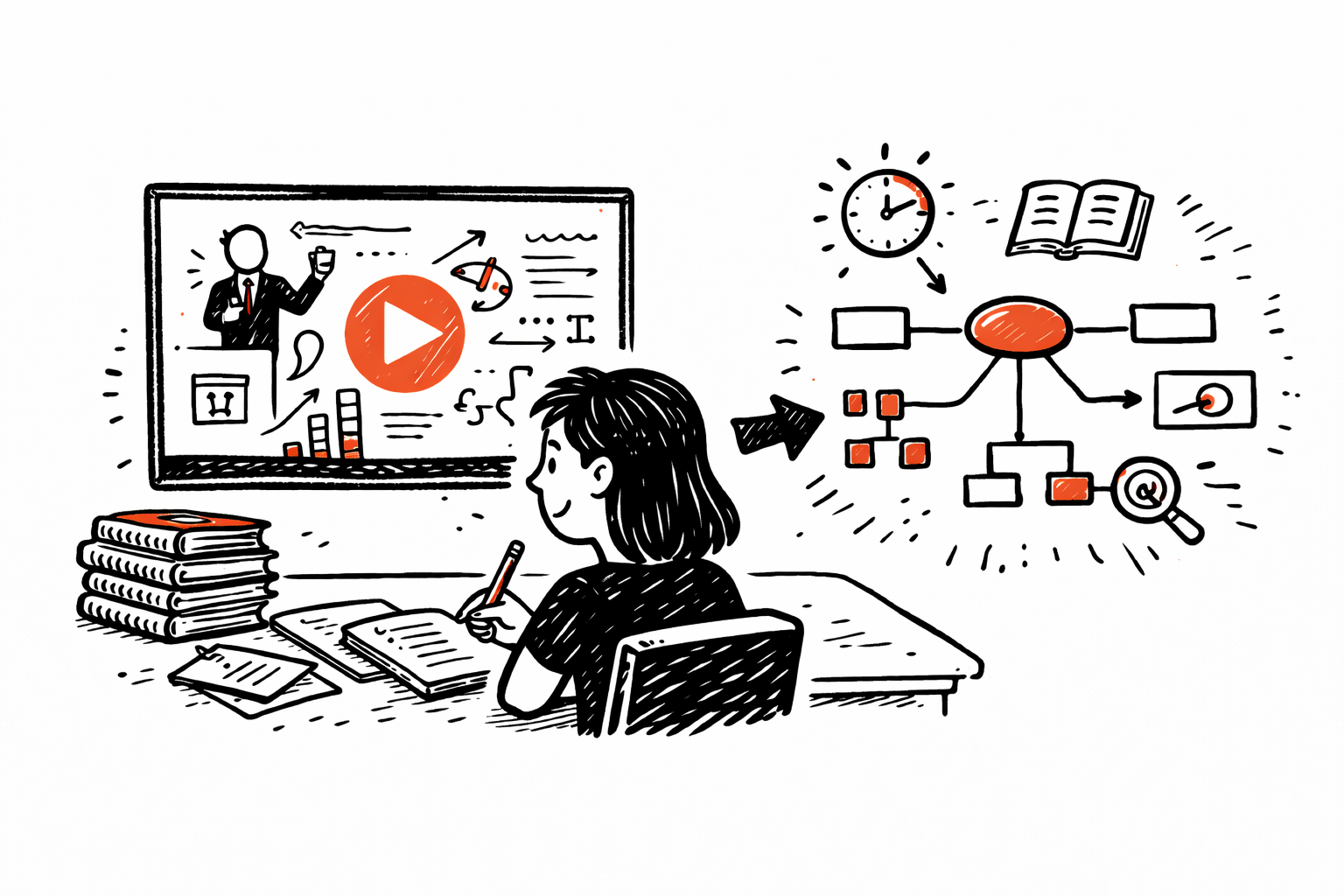
Convert long academic lectures and online courses into visual study maps that help you connect ideas instead of rewatching videos.
For Students
For Professionals

For Professionals

Boost Productivity

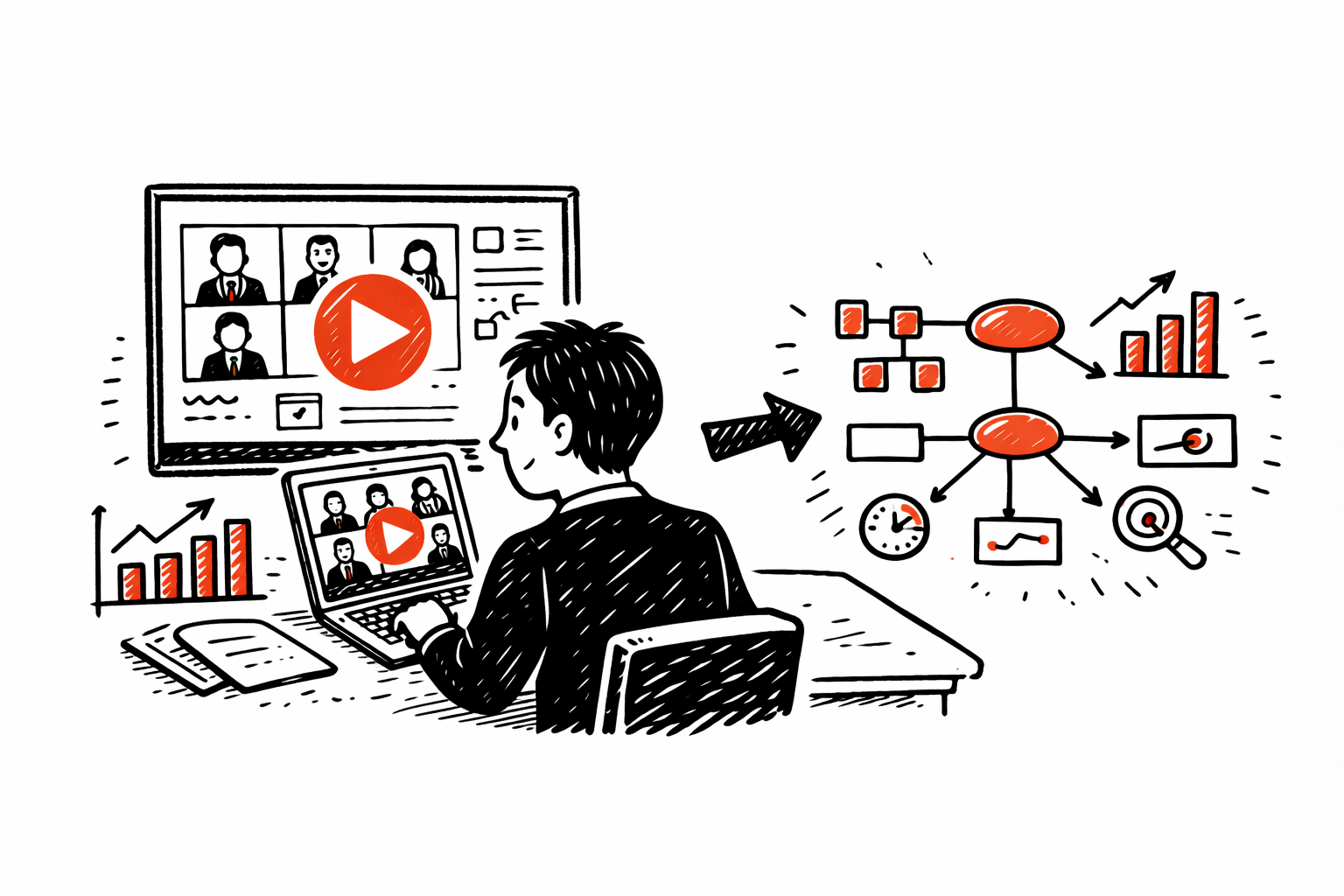
Extract structured insights from webinars, industry talks, and panel discussions without sitting through hours of playback.

For Content Creators

For Content Creators

Get Inspired

Break down viral videos into structured outlines to analyze narrative flow, argument logic, and key moments.

For Podcast Listeners

Explore More

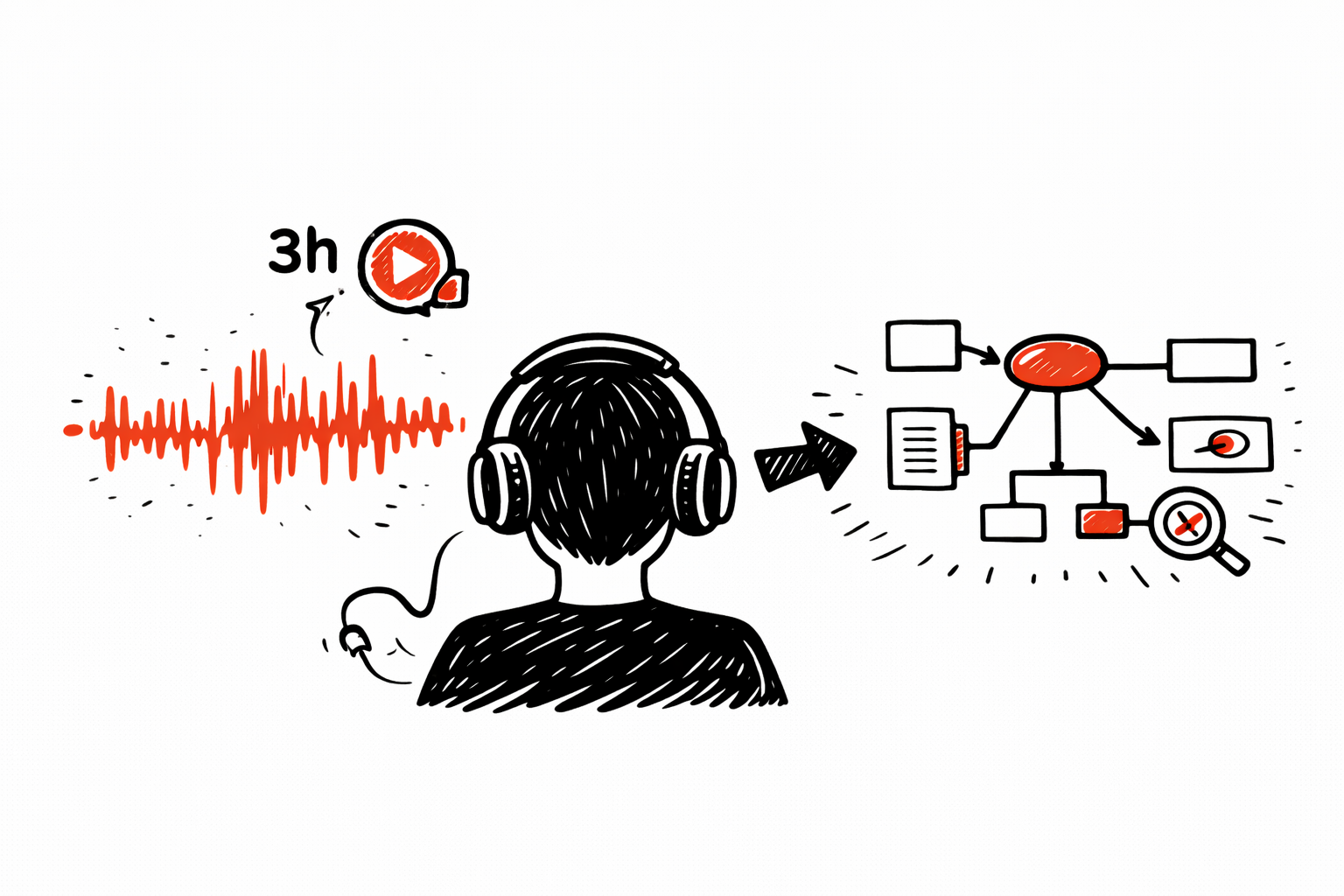
Turn 2–4 hour interviews into concise, structured maps so you can jump directly to the ideas that matter.
For Podcast Listeners

Watch Less. Understand Structurally.

ClipMind converts time-based media into a navigable knowledge structure.

Dual View: Map + Timeline
See the full structure in a mind map while keeping a chronological timeline of key moments.
Timestamps for Fast Reference
Every key point includes a timestamp, so you can quickly locate the moment in the video without rewatching everything.
Full Editing Control
Reorganize branches, merge ideas, and personalize the structure to match your own interpretation.
Export to Your Workflow
Export as Markdown for Notion and Obsidian or as high-quality SVG/PNG for presentations and reports.
Multi-Language Support
Summarize videos across different languages into your preferred language for easier learning.
Private & Secure
Private & Secure
We don’t track your watch history. Your summaries remain private within your account.

Questions?

Everything you need to know about structuring video knowledge.

No. Traditional summaries compress spoken content into text. ClipMind reconstructs the video into a structured visual hierarchy with timestamps, making the logic and flow immediately visible.
Yes. ClipMind handles everything from short tutorials to multi-hour livestreams and podcast episodes.
An account allows your maps to be saved securely, accessed from any device, and edited later.
Absolutely. Every generated map is fully editable. You can refine, reorganize, or expand it anytime.
Each generated summary uses a small number of credits. You can track usage and upgrade anytime based on your needs.
Can't find the answer you're looking for? Please reach out to our support team at [email protected].

Ready to Map Your Ideas?

Get Started Free
Free tier available