
Turn Linear AI Chats into Structured {Mind Maps}

Turn Linear AI Chats into Structured Mind Maps

AI conversations are powerful—but they’re linear. Key insights get buried in long, multi-turn threads. ClipMind adds a structural layer to ChatGPT, Gemini, and DeepSeek, transforming your entire conversation into a clear, editable mind map in one click.

Add Structure in Seconds

No copy-paste. No extra tabs. Instantly convert any multi-turn AI thread into a visual structure without breaking your workflow.


1
Install the Extension
Add the ClipMind extension to your browser to enable a built-in structural layer inside your favorite AI chats.
>>
2
Click “Summarize”
Click “Summarize”
Convert the entire conversation—not just a single message—into a structured visual map instantly.
>>
3
Refine & Save
Refine & Save
Edit nodes, reorganize branches, and reshape the map to match your own thinking while continuing the conversation.

Who Is It For?

Built for people who rely on AI daily—and need more than a scrolling chat history.

For Power Users

Try it Free

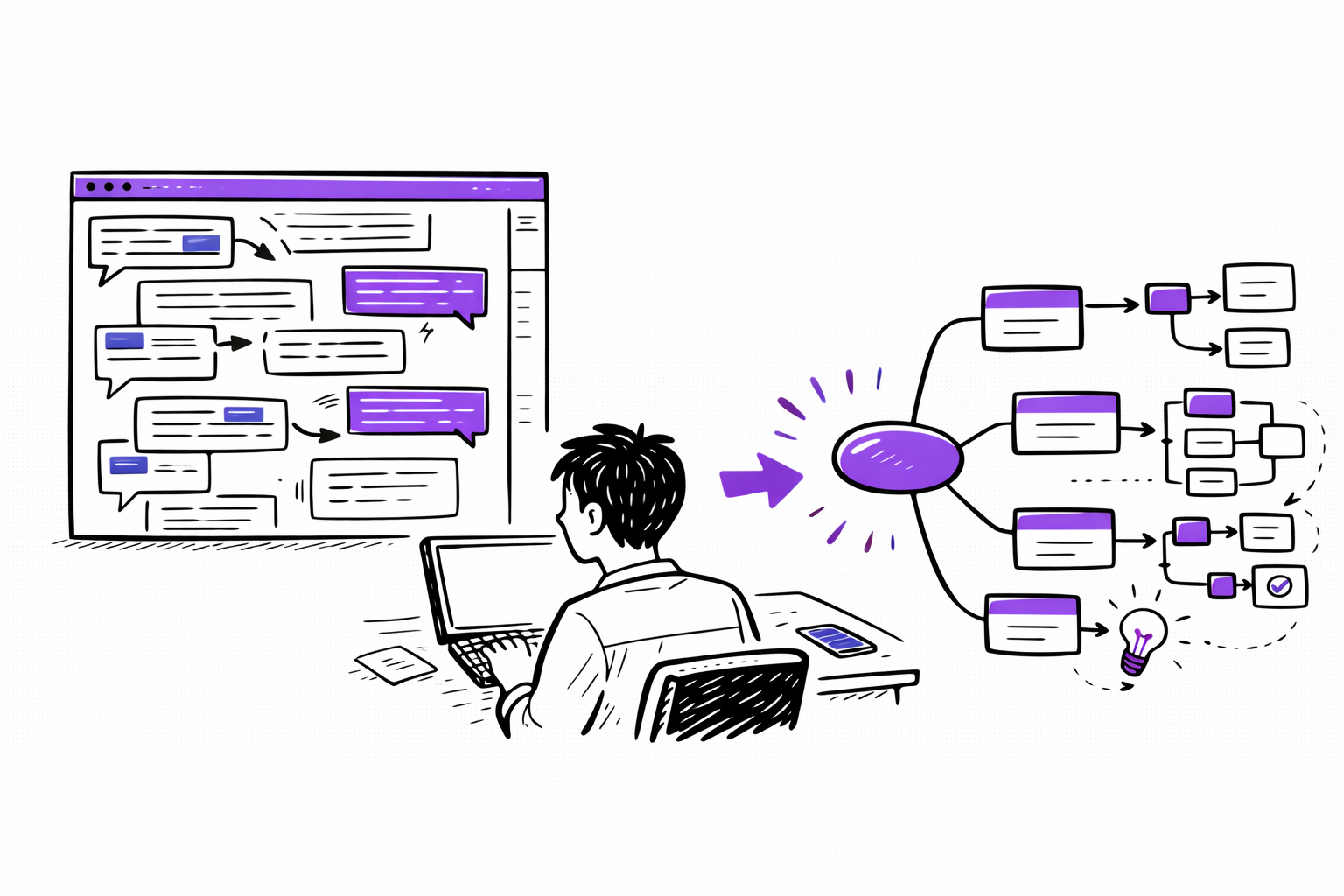
After long AI sessions, key ideas often get lost across dozens of replies. Instantly see the entire conversation as one structured overview.
For Power Users
For Developers

For Developers

Map Your Code

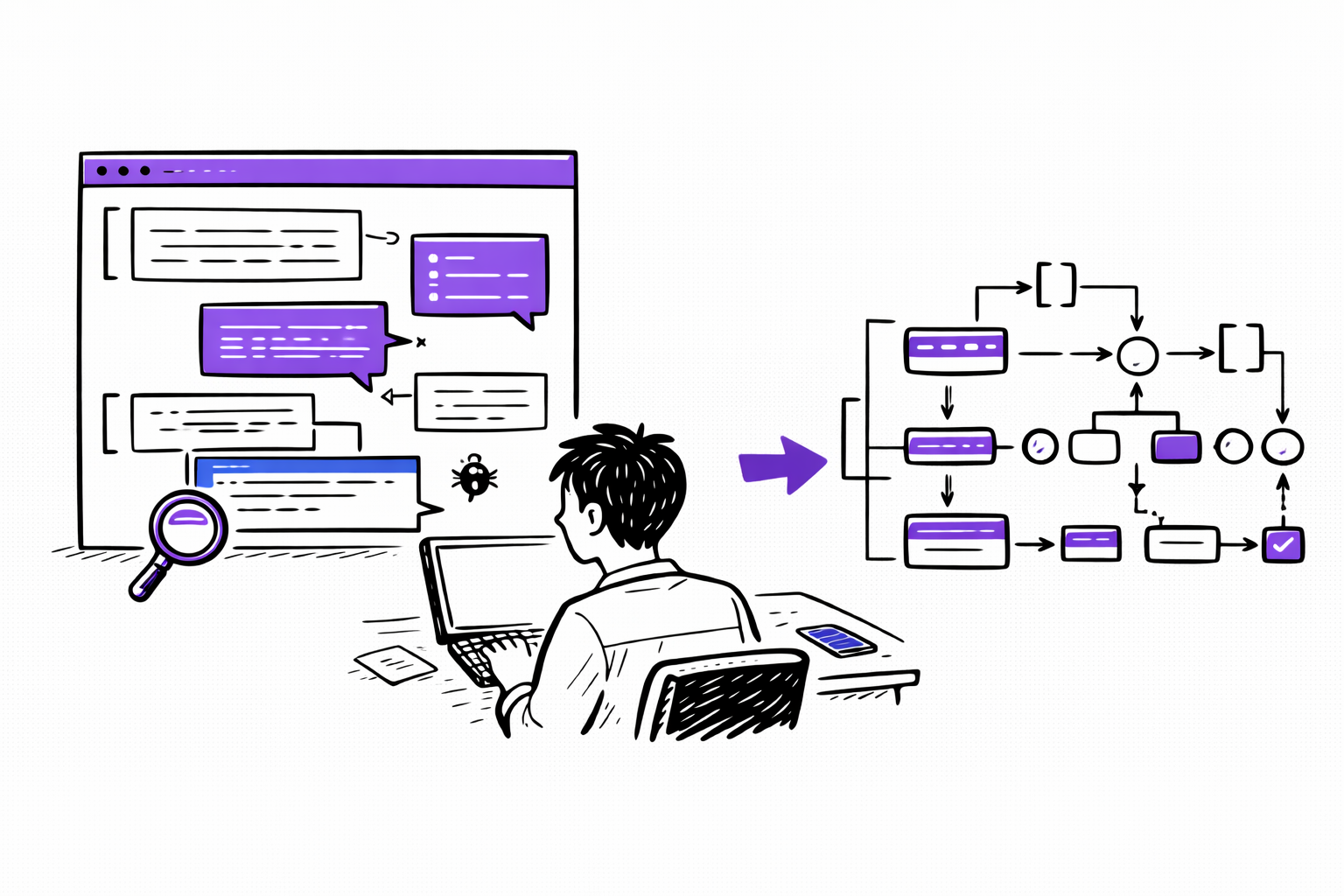
Debugging logic and technical explanations often branch in multiple directions. Visualize the architecture of the solution in one structured map.
For Content Creators

For Content Creators

Structure Ideas

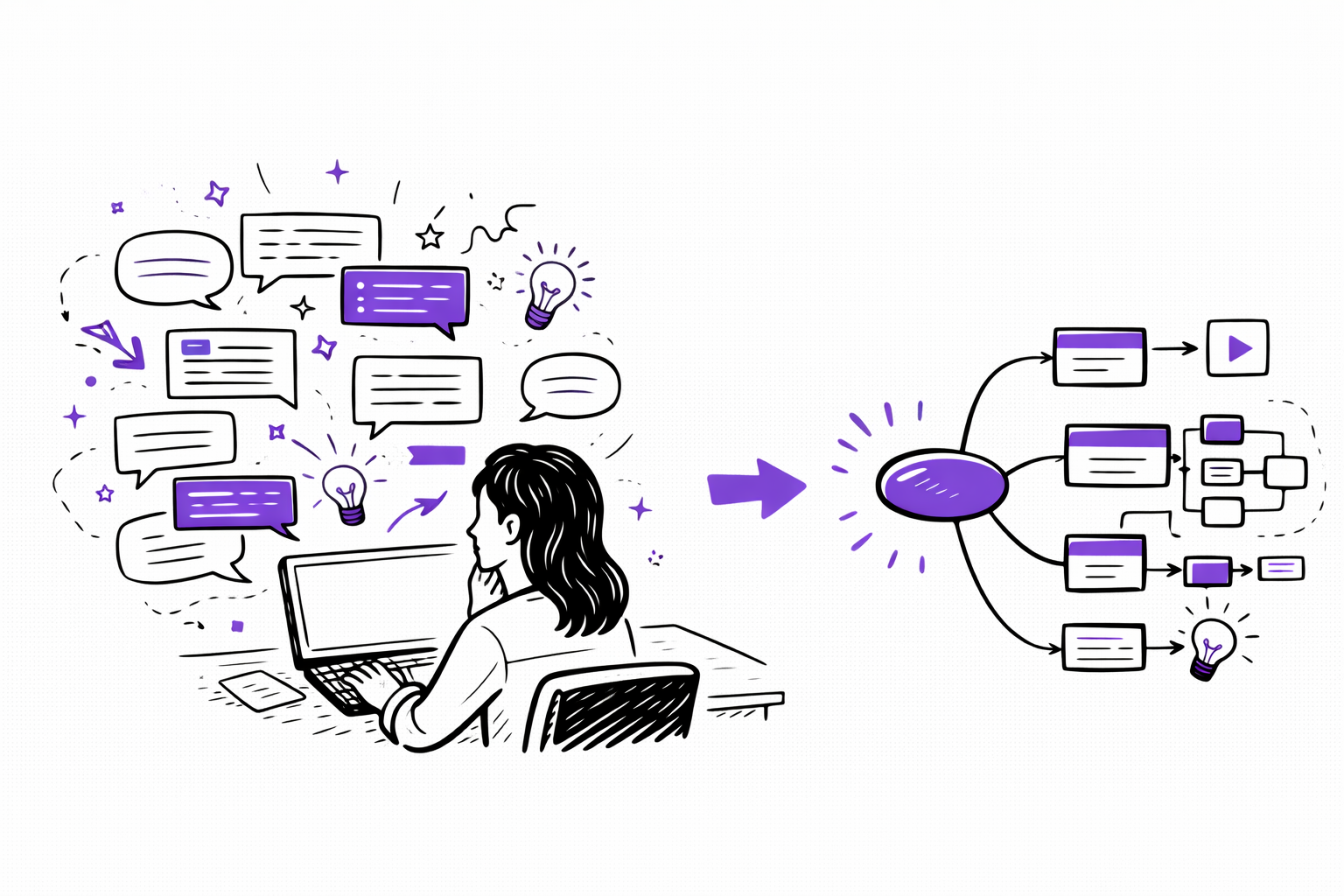
AI brainstorming generates scattered ideas across long threads. Turn the entire session into a clean outline you can immediately build on.

For Students

Study Better

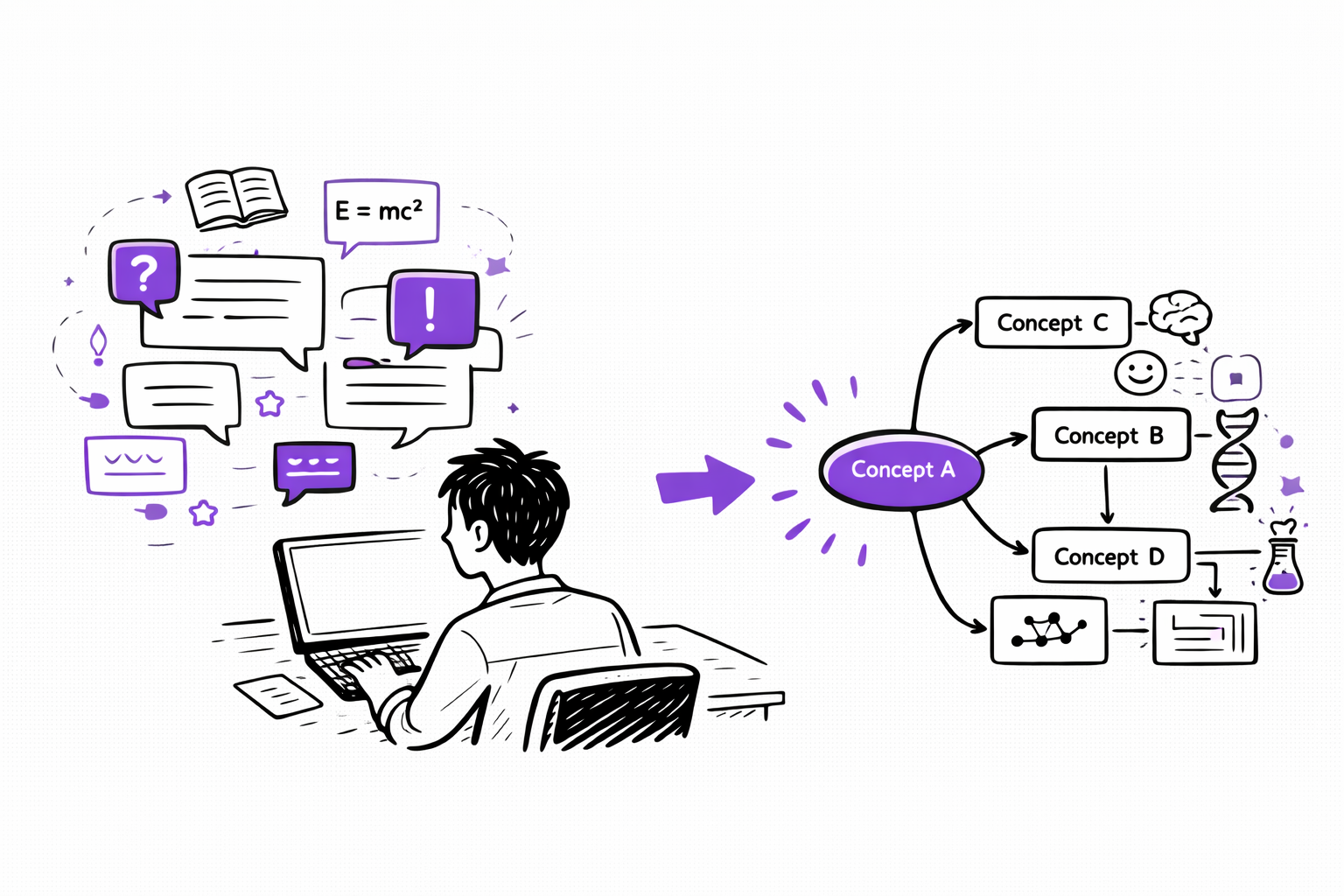
When AI explains multiple concepts over time, structure them into a visual study guide that shows how ideas connect.
For Students

From Conversation to Clarity

More than summarization—this is structured understanding.

Native Structural Layer
Add structure directly inside ChatGPT, Gemini, and DeepSeek without switching tabs or breaking context.
Free AI Chat Structuring
Turn unlimited AI conversations into structured visual maps at no cost.
Real-Time Side Panel
Keep chatting while refining your structure in a focused side panel view.
Export to Real Work
Export to Real Work
Convert AI output into Markdown-ready notes for Obsidian and Notion, or export high-quality images for reports.
Full Editing Control
Reorganize branches, merge ideas, and personalize your map to reflect your own thinking—not just AI output.
Private & Secure
Private & Secure
Your conversations are processed only for structuring. We don’t store or use your chat data for training.

Questions?

Everything you need to know about structuring AI conversations.

Currently, we support ChatGPT, Google Gemini, and DeepSeek. More platforms are being added regularly.
Yes. Structuring AI conversations into visual maps is a free feature. Simply install the extension to start.
Text summaries compress information but remain linear. ClipMind restructures the entire conversation into a hierarchical visual map, making relationships and branches immediately visible.
Sign-up is required if you want to save your maps to your workspace or edit them in the full editor.
Yes. You can move nodes, reorganize branches, and add your own notes to fully align the structure with your thinking.
Yes. ClipMind is designed to handle long, multi-turn AI conversations and convert them into a compact, structured visual overview.
Can't find the answer you're looking for? Please reach out to our support team at [email protected].

Ready to Map Your Ideas?

Get Started Free
Free tier available