Turn Raw Text into Structured {Mind Maps}

Turn Raw Text into Structured Mind Maps

Messy notes, rough drafts, scattered ideas—text is often linear and chaotic. ClipMind restructures any pasted text into a clear, editable mind map, helping you see logic, hierarchy, and connections instantly.

From Raw Text to Visual Structure in 3 Steps

Paste your content. Rebuild the hierarchy. Refine your thinking.

1
Paste Your Text
Paste Your Text
Paste your notes, article drafts, meeting transcripts, or brainstorming snippets (up to 5,000 characters).
>>
2
Click 'Summarize'
Click 'Summarize'
Click 'Summarize' and let AI identify key ideas, relationships, and hierarchy to generate a visual structure.
>>
3
Refine & Export
Refine & Export
Reorganize branches, expand ideas, and export your structured map to your favorite workflow.

Who Is It For?

Built for anyone who works with unstructured text and needs clarity fast.

For Note-Takers

Organize Notes

Turn messy meeting notes or lecture transcripts into a structured visual outline that reveals what actually matters.
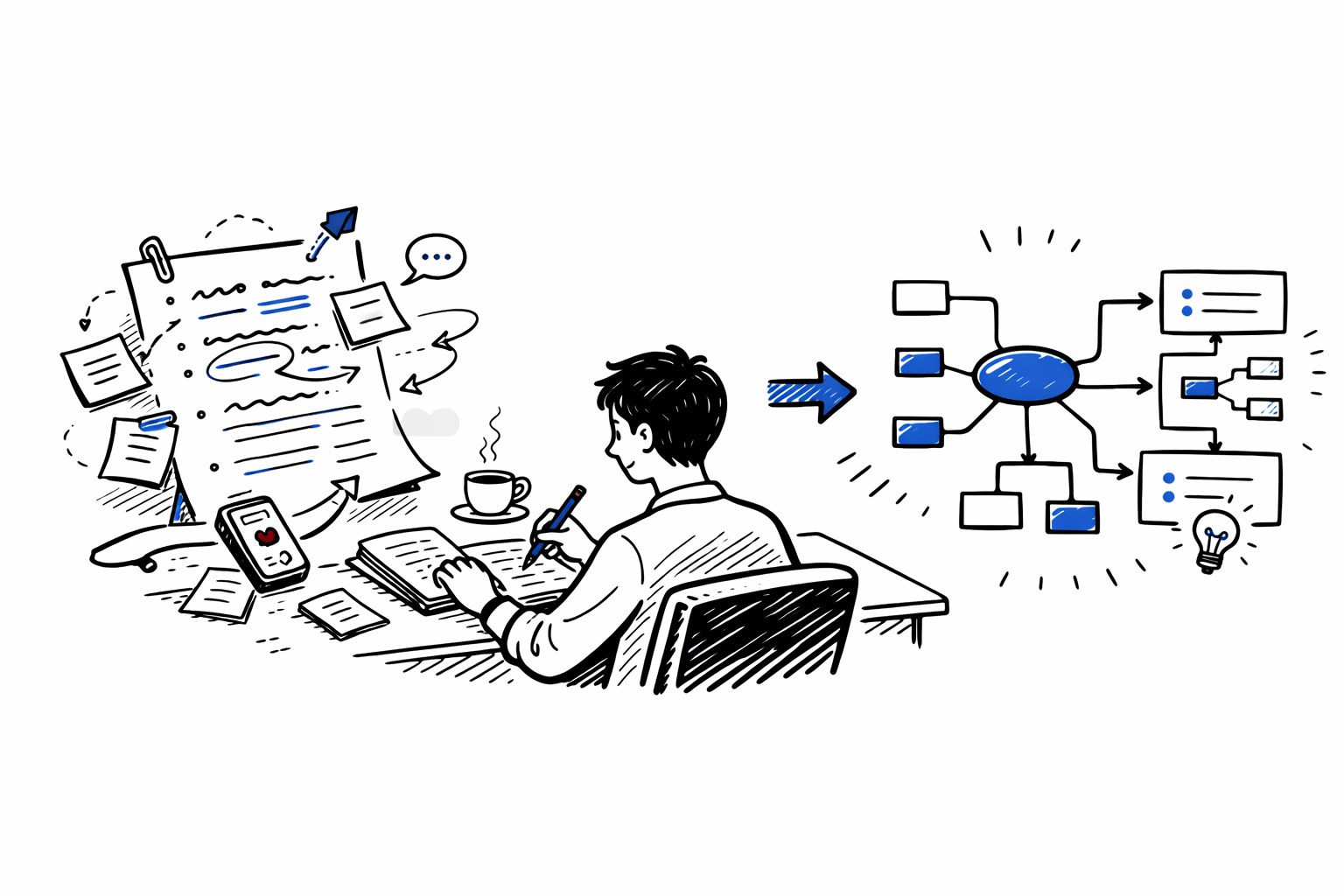

For Note-Takers
For Writers

For Writers

Refine Drafts

Paste rough drafts or scattered ideas to visualize argument flow, identify weak sections, and strengthen your structure.

For Researchers

For Researchers

Structure Insights

Summarize abstracts, excerpts, or collected notes to see how they connect within your broader research framework.

For Independent Thinkers

Visualize Ideas

Visualize daily reflections, brainstorming sessions, or strategic ideas to uncover hidden relationships between thoughts.

For Independent Thinkers

From Chaos to Clarity in Seconds

ClipMind transforms linear text into a dynamic thinking framework.

Instant Structure Generation
Copy, paste, and instantly generate a hierarchical mind map without uploading files.
Up to 5,000 Characters
Ideal for long emails, article drafts, transcripts, and extended notes.
Full Editing Control
Reorganize branches, merge ideas, and personalize the structure to match your interpretation.
Export to Your Workflow
Export as Markdown for Notion and Obsidian or as high-resolution PNG/SVG for presentations.
Multi-Language Support
Paste text in 50+ supported languages and generate structured maps in your preferred language.
Private & Secure
Private & Secure
Your pasted content is processed securely and never stored or used for model training.

Questions?

Everything you need to know about structuring text into mind maps.

No. Traditional summaries compress text into shorter paragraphs. ClipMind reconstructs your content into a visual hierarchy, making structure and relationships immediately visible.
Yes. You can paste up to 5,000 characters at a time, which works well for most articles, notes, and transcripts.
Signing up allows you to save your maps to your workspace and access them across devices.
Absolutely. Every generated map is fully editable—you can move nodes, adjust hierarchy, and customize the design.
Yes. Export your map as Markdown for Notion/Obsidian or as high-quality PNG/SVG images.
Yes. ClipMind supports 50+ languages and can generate maps in your preferred language.
Can't find the answer you're looking for? Please reach out to our support team at [email protected].

Ready to Map Your Ideas?

Get Started Free
Free tier available