In 2026, mind mapping tools are no longer just visual note-taking apps. With the explosion of AI-generated content, videos, PDFs, and long-form articles, the real challenge has shifted from creating ideas to structuring understanding.
Free mind map makers now fall into three main categories:
- Classic mind mapping tools focused on manual creation
- Collaborative whiteboards designed for team ideation
- AI-powered mind map makers that generate structure automatically from content
This guide compares the 15 best free mind map makers in 2026, focusing on tools that offer a genuinely usable free plan. Each tool is reviewed based on AI features, editing and export capabilities, pricing context, and whether it’s best suited for personal use or team collaboration.
How We Chose the Best Free Mind Map Makers
To keep this guide practical and unbiased, we evaluated each tool using the following criteria:
- AI features – Text-to-map, content summarization, or AI-assisted structuring
- Edit & export capabilities – Whether users can meaningfully edit and export maps on the free plan
- Free plan usability – Real limits on maps, credits, storage, or collaboration
- Usage scenario – Best suited for personal workflows or team collaboration
- Availability – Whether the tool is a web app, native app, or browser extension
Only actively maintained tools with meaningful free tiers in 2026 are included.
🧠 AI-Powered Mind Map Makers
1. ClipMind – Best for Turning Content into Structured Mind Maps
Type: Web app · Chrome extension
ClipMind focuses on transforming existing content—webpages, PDFs, YouTube videos, and AI chat conversations—into editable mind maps. Instead of starting from a blank canvas, users begin with an AI-generated structure.
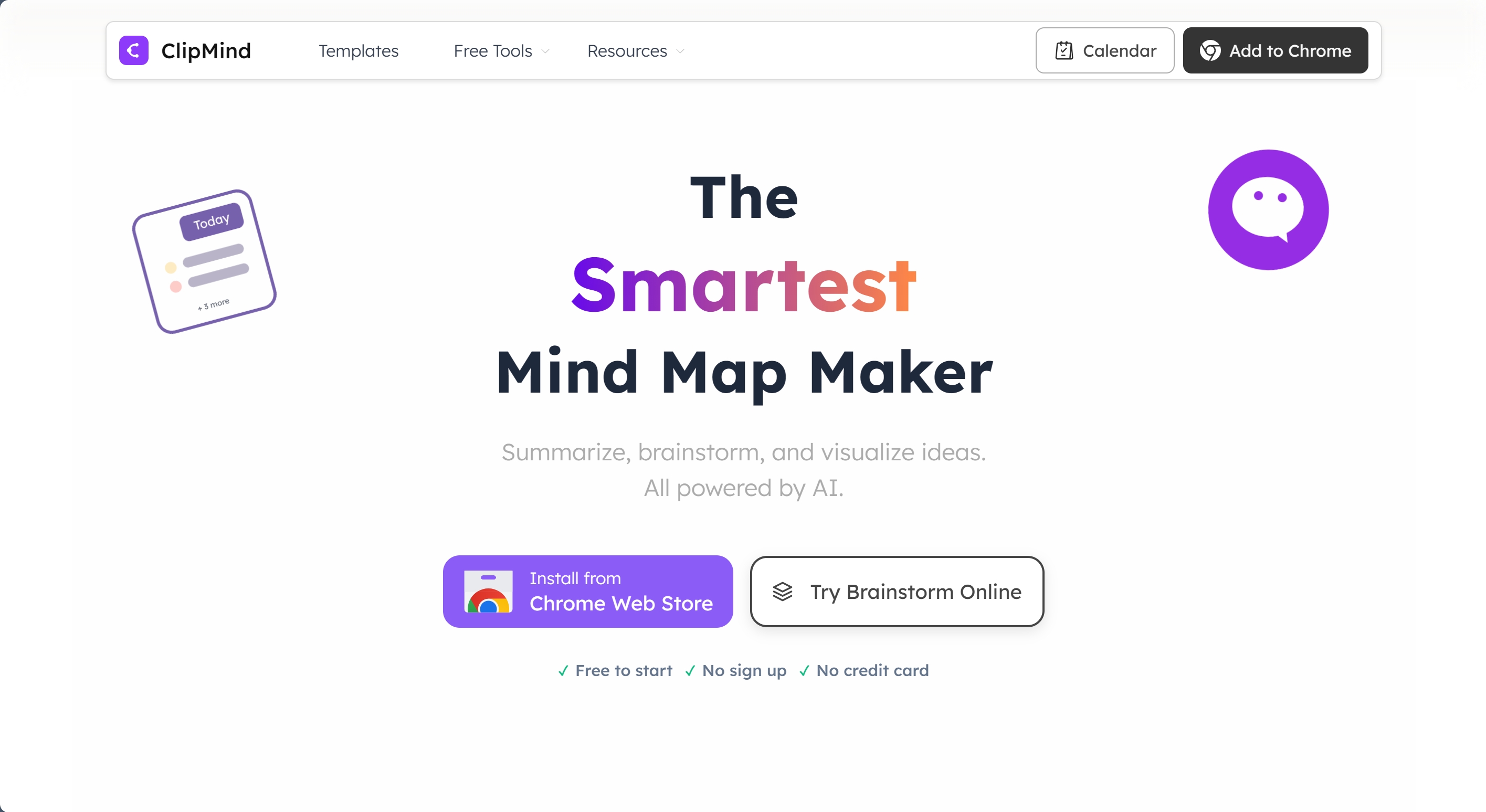
Free plan highlights:
- Manual mind map creation
- Webpage-to-mind-map summarization
- Dual view: mind map + Markdown outline
- Basic export options
Best for:
- Students, researchers, and knowledge workers
- Users who want fast comprehension rather than free-form brainstorming
Pricing context:
- Paid plans start at ~$2.99/month (annual), scaling with AI credits and advanced summarization features.
2. Mapify – Best for AI Multimedia Mind Mapping
Type: Web app
Mapify specializes in converting text, video, and audio into structured mind maps, with a strong emphasis on research and study workflows.

Free plan highlights:
- 30 one-time AI credits
- Basic text-to-map generation
AI capabilities:
- Video and audio to mind maps
- Deep research synthesis
Best for:
- Multimedia learning and study-focused users
Pricing context:
- Entry plans start at ~$5.99/month (annual), with Pro tiers for heavy AI usage.
3. MyMap.AI – Best for Conversational Brainstorming
Type: Web app
MyMap.AI uses a chat-based interface to generate and expand mind maps, blending conversational AI with visual structuring.
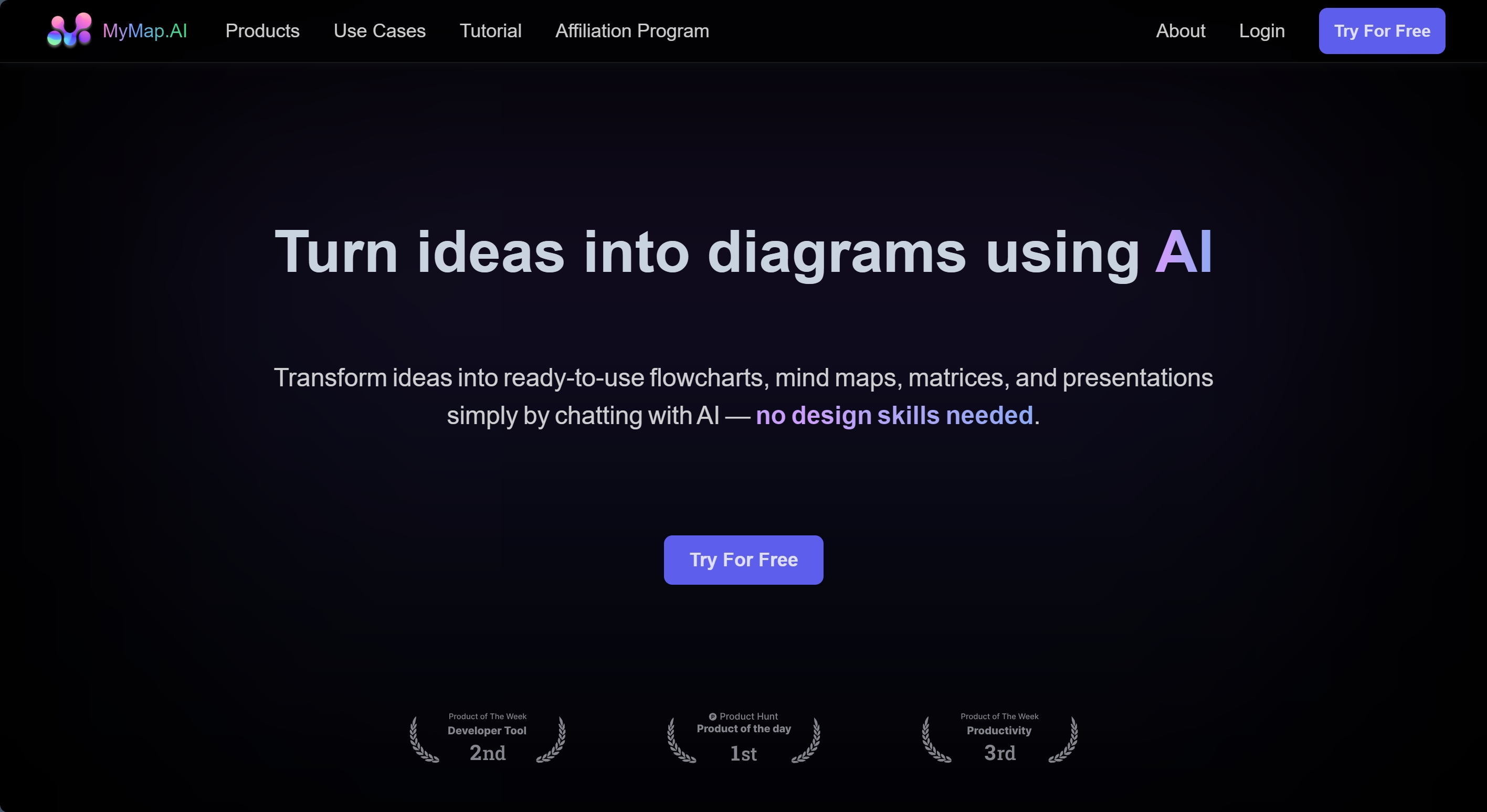
Free plan highlights:
- 5 AI credits per day
- Basic map editing
AI capabilities:
- 2D chat-driven mind map generation
- Web search integration
Best for:
- Fast ideation and lightweight brainstorming
Pricing context:
- Pro plans start around $12/month, with team-focused tiers available.
4. MindMap AI – Best for Advanced Concept Structuring
Type: Web app
MindMap AI focuses on deeper reasoning features such as second-order connections and topic focus.
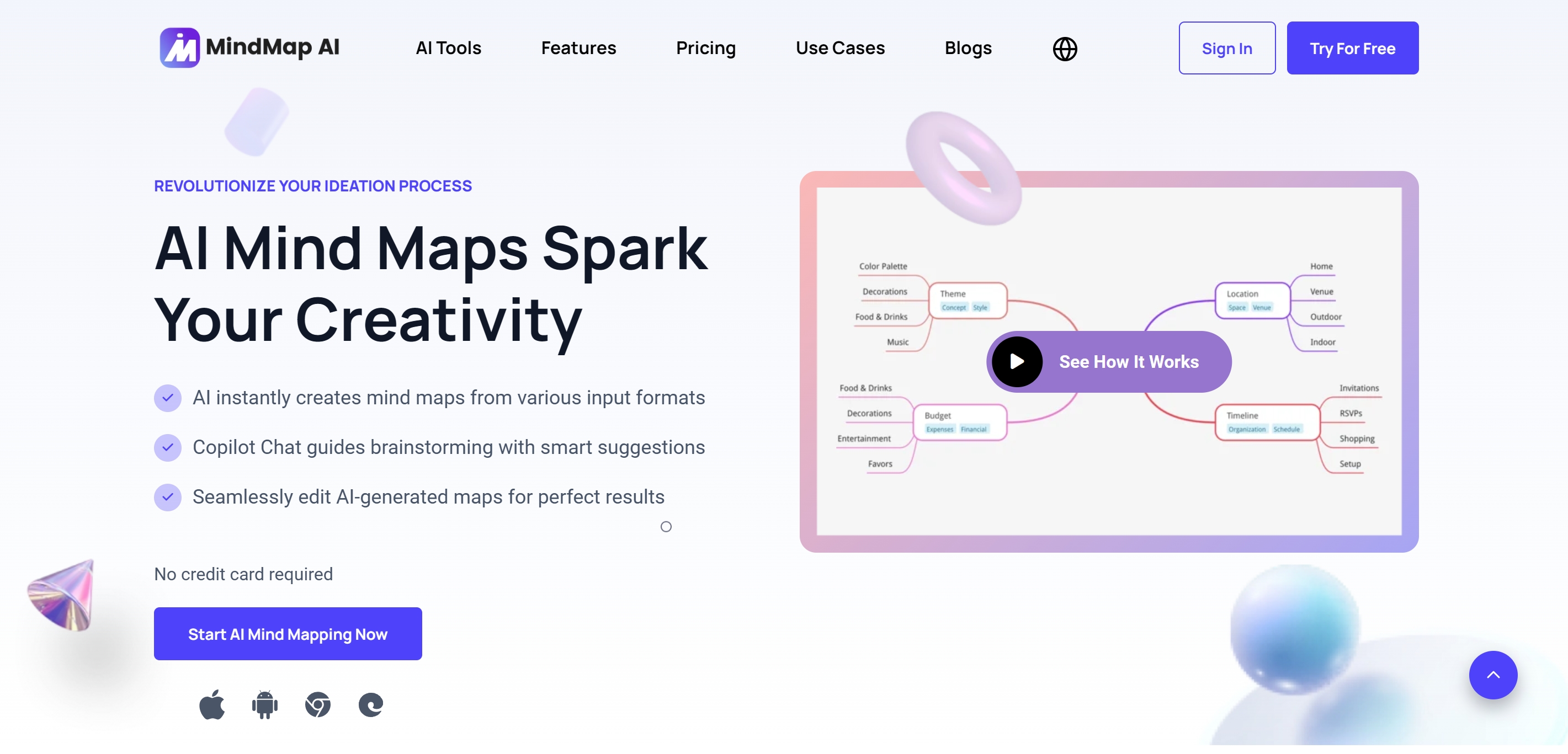
Free plan highlights:
- 50 monthly AI credits
- Up to 10 projects
AI capabilities:
- Second-order concept expansion
- Focused topic mapping
Best for:
- Advanced thinkers and solo researchers
Pricing context:
- Paid plans start at ~$4.99/month (annual), with lifetime options available.
5. GitMind – Best for AI + Team Collaboration
Type: Web app · Desktop app
GitMind combines AI-assisted mind mapping with real-time collaboration features.
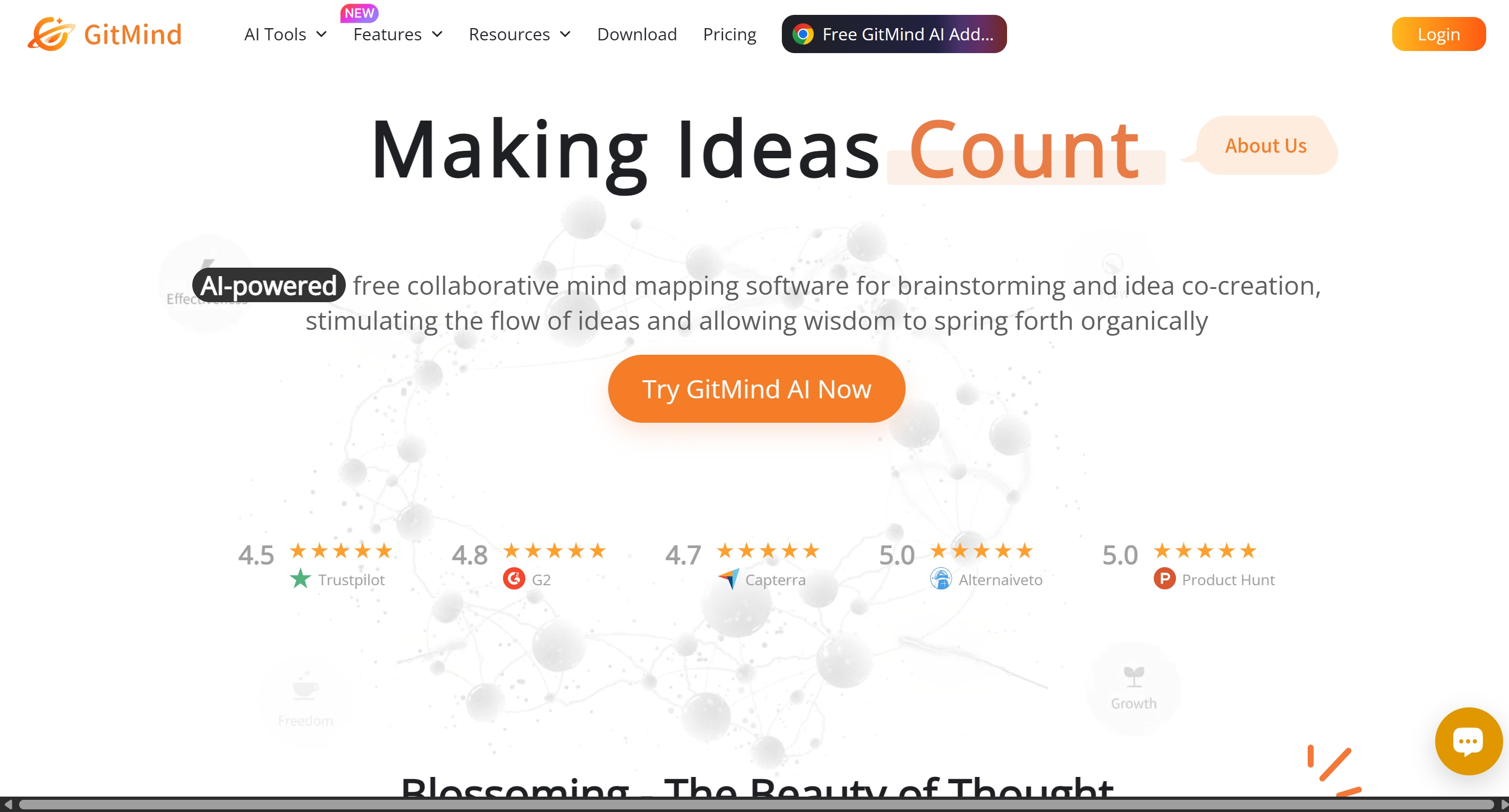
Free plan highlights:
- 10 files
- 500MB cloud storage
AI capabilities:
- Audio-to-map
- AI chat and summaries
Best for:
- Small teams experimenting with AI-supported collaboration
Pricing context:
- Entry plans start at ~$4.08/month (annual), with Pro plans targeting team workflows.
✍️ Classic Mind Mapping Tools
6. XMind – Best for Visual Design and Presentations
Type: Desktop app · Mobile app · Web app
XMind is known for polished layouts, presentation modes, and visual clarity.
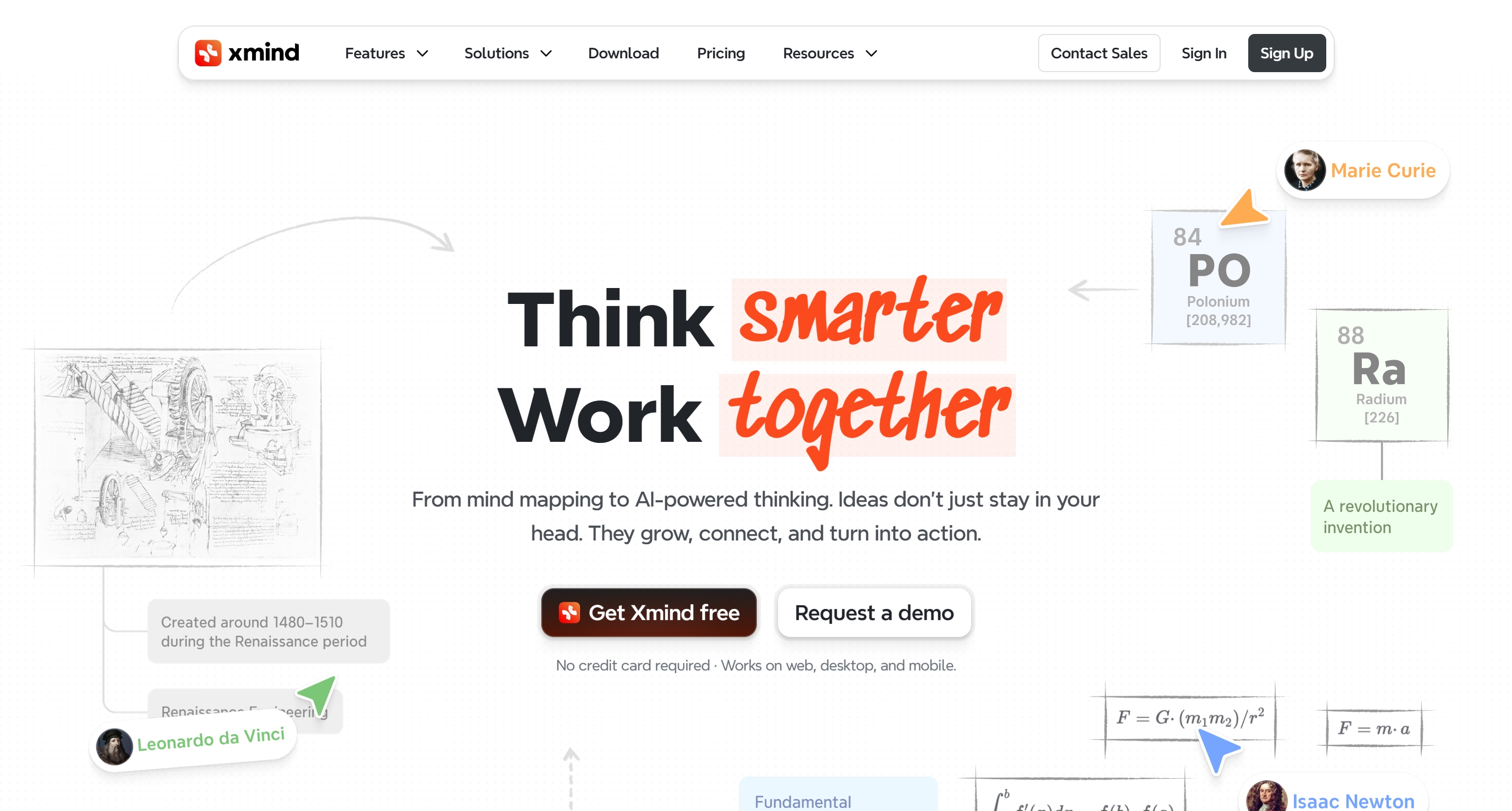
Free plan highlights:
- Up to 10 maps
- Limited AI credits
AI capabilities:
- Text-to-map generation
- Pitch mode
Best for:
- Presentation-ready mind maps
Pricing context:
- Paid plans start at ~$4.92/month.
7. MindMeister – Best for Small Teams
Type: Web app
MindMeister emphasizes real-time collaboration and task integration.
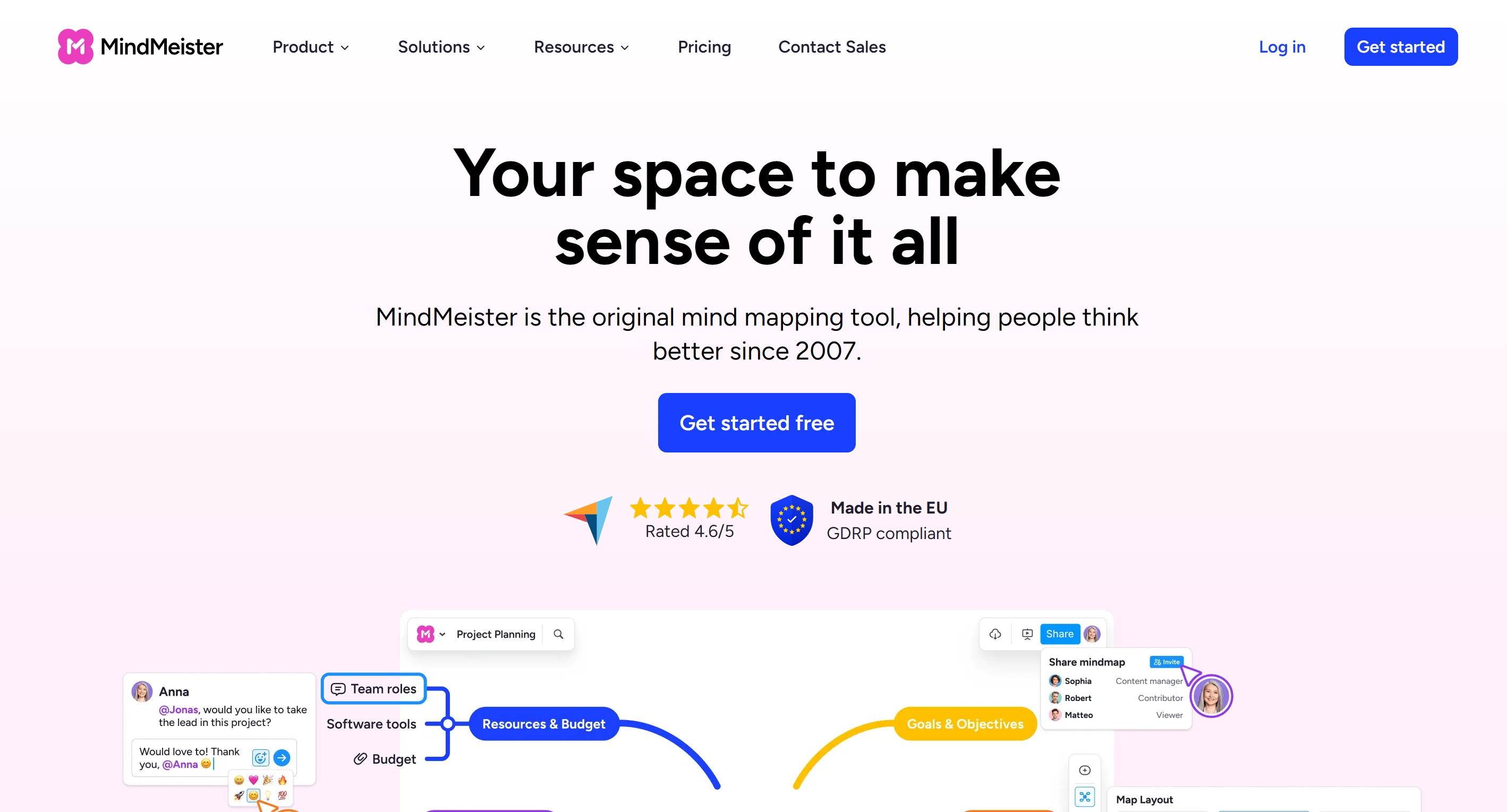
Free plan highlights:
- 3 maps
- Unlimited collaborators
AI capabilities:
- Task integration via MeisterTask
Best for:
- Small teams and shared planning
Pricing context:
- Personal plans start at ~$6.50/month.
8. Coggle – Best for Public Knowledge Sharing
Type: Web app
Coggle is a lightweight tool focused on simplicity and collaboration.
Free plan highlights:
- Unlimited public maps
- 3 private maps
Best for:
- Community knowledge bases
Pricing context:
- Paid plans start at ~$5/month.
9. MindMup – Best Budget-Friendly Option
Type: Web app
MindMup offers basic mind mapping with minimal costs.
Free plan highlights:
- Public maps
- Small file size limits
Best for:
- Cost-conscious users
Pricing context:
- Personal plans start at ~$2.99/month.
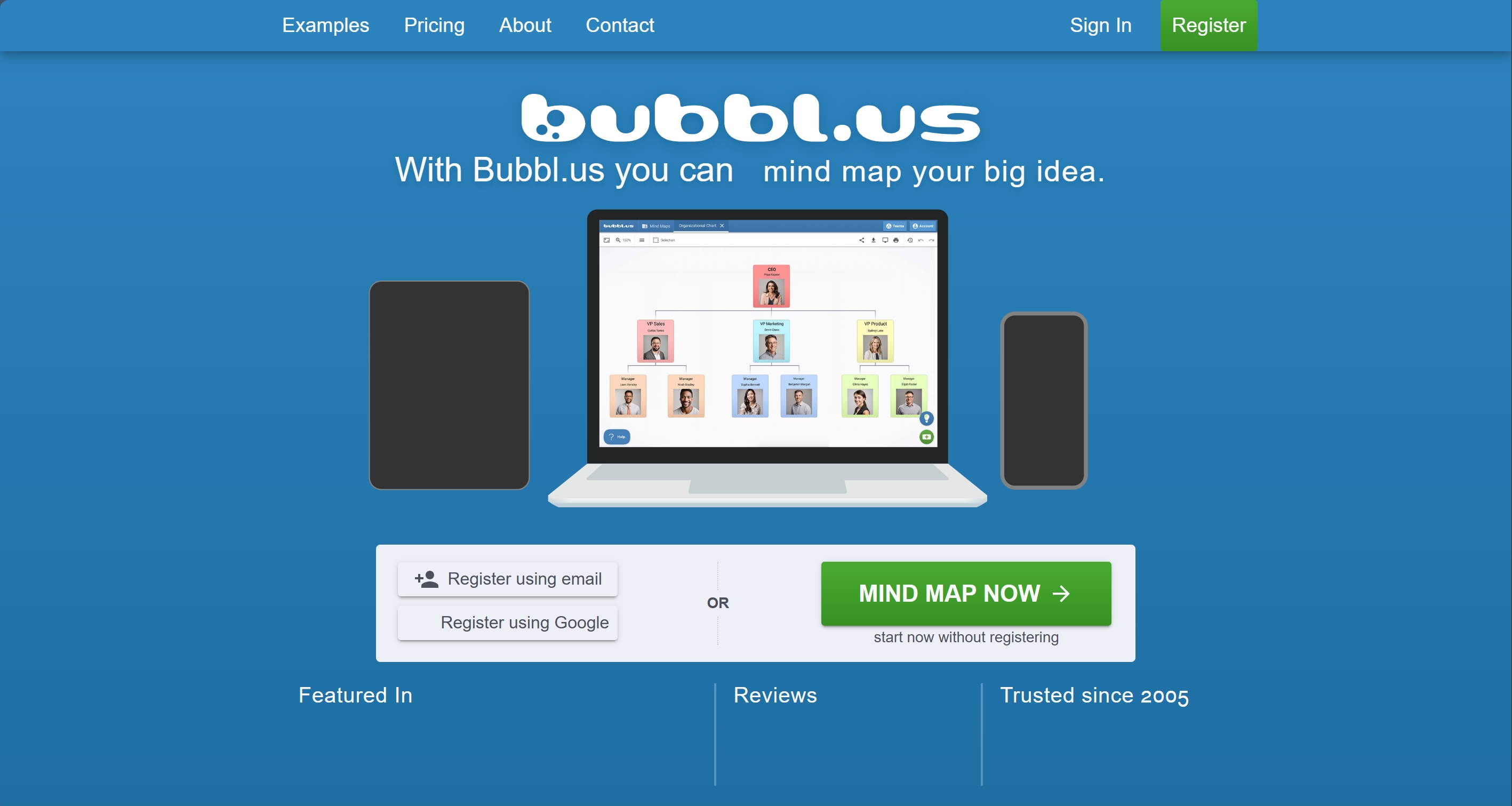
10. Bubbl.us – Best for Simple Education Use
Type: Web app
Bubbl.us keeps mind mapping simple and accessible.
Free plan highlights:
- 3 mind maps
- Basic sharing
AI capabilities:
- Simple AI idea generation
Best for:
- Educators and students
Pricing context:
- Premium plans start at ~$4.91/month (annual).
🤝 Whiteboard & Diagram Tools
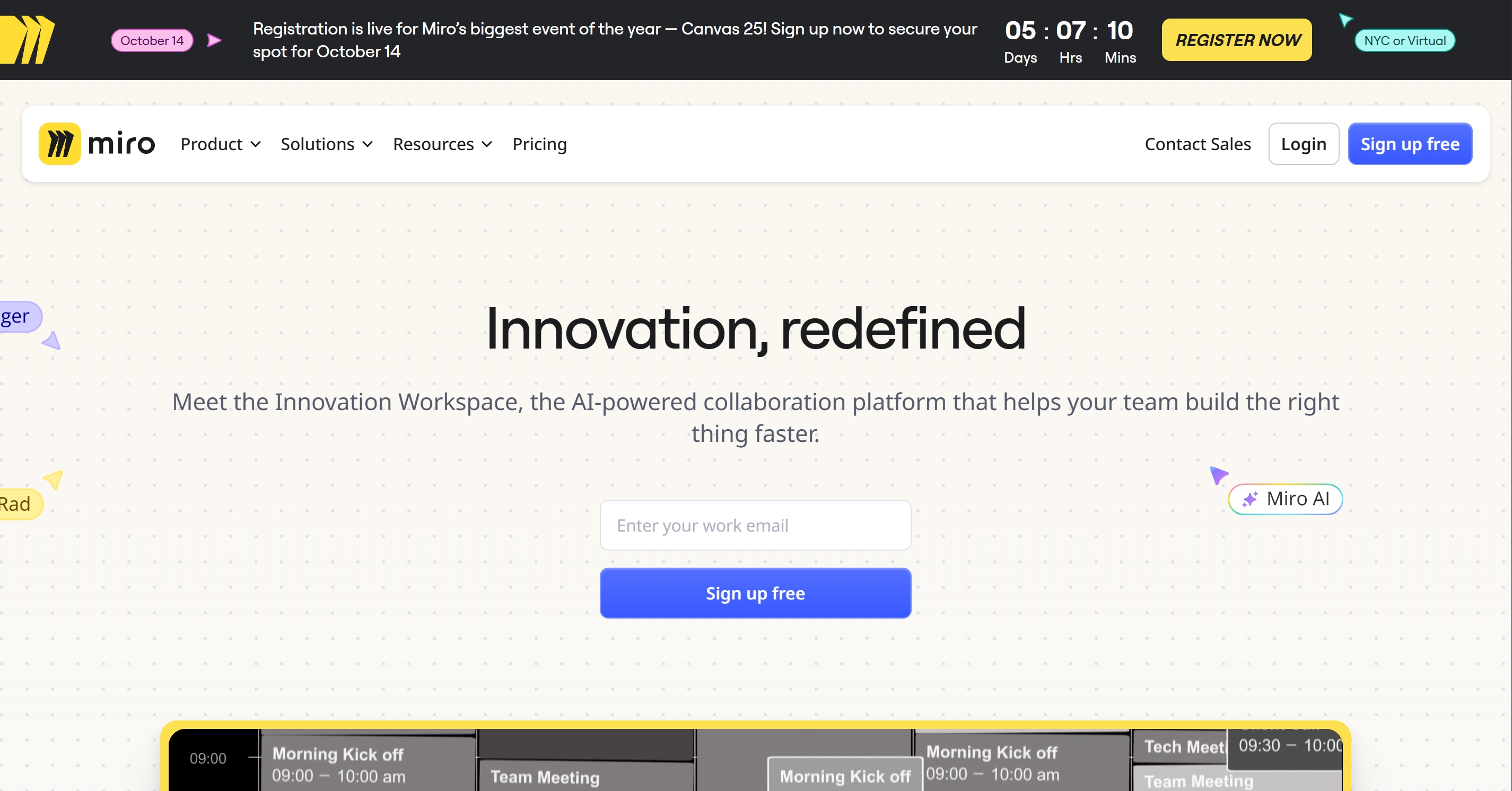
11. Miro – Best for Enterprise Collaboration
Type: Web app · Desktop app
Miro excels at large-scale collaboration and workshops.
Free plan highlights:
- 3 boards
- Limited AI actions
Pricing context:
- Team plans start at ~$8/user/month (annual).
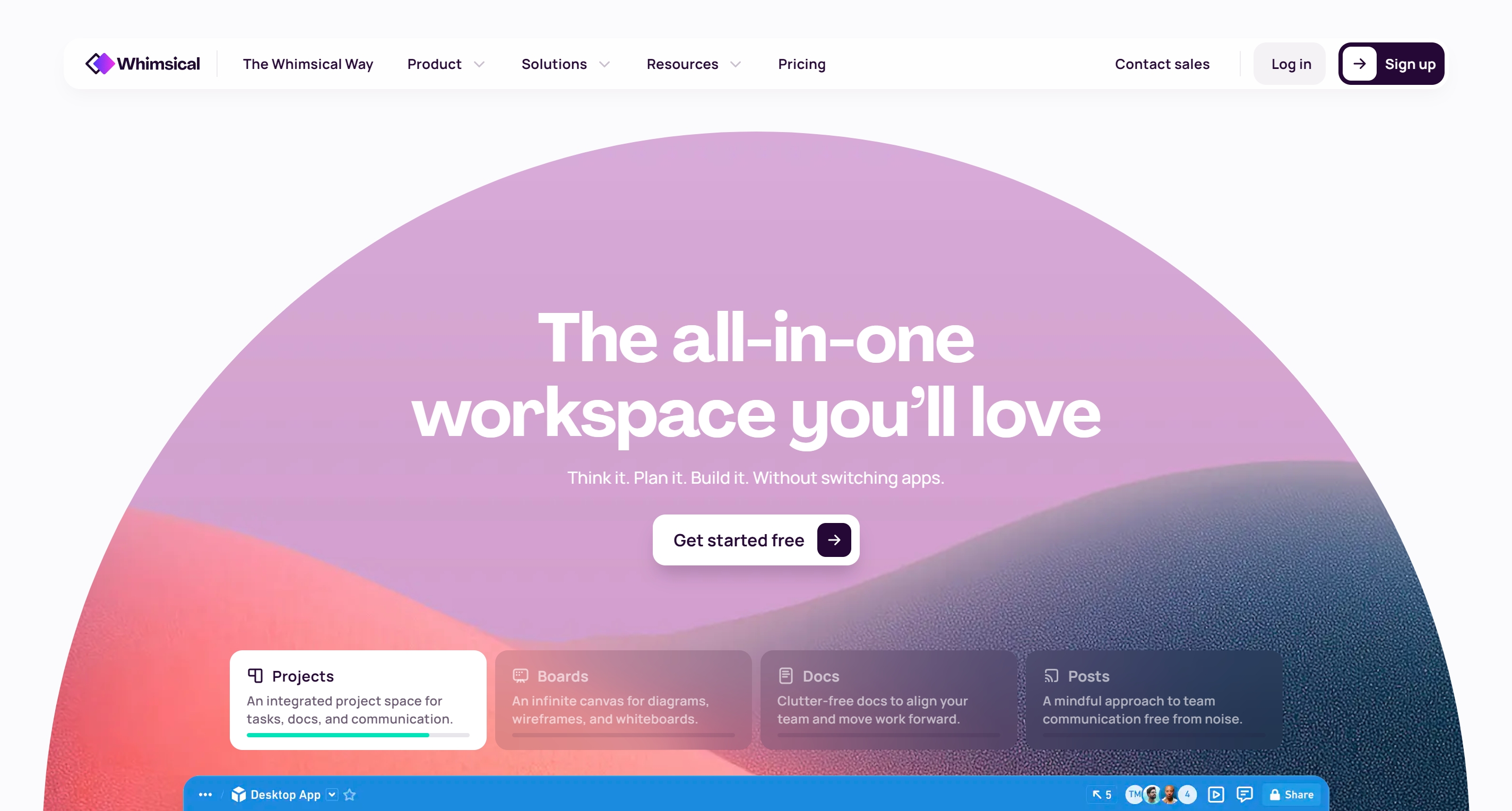
12. Whimsical – Best for Fast Product Teams
Type: Web app
Whimsical balances speed, diagrams, and light AI usage.
Free plan highlights:
- 3 boards
- Limited AI actions
Pricing context:
- Pro plans start at ~$10/month.
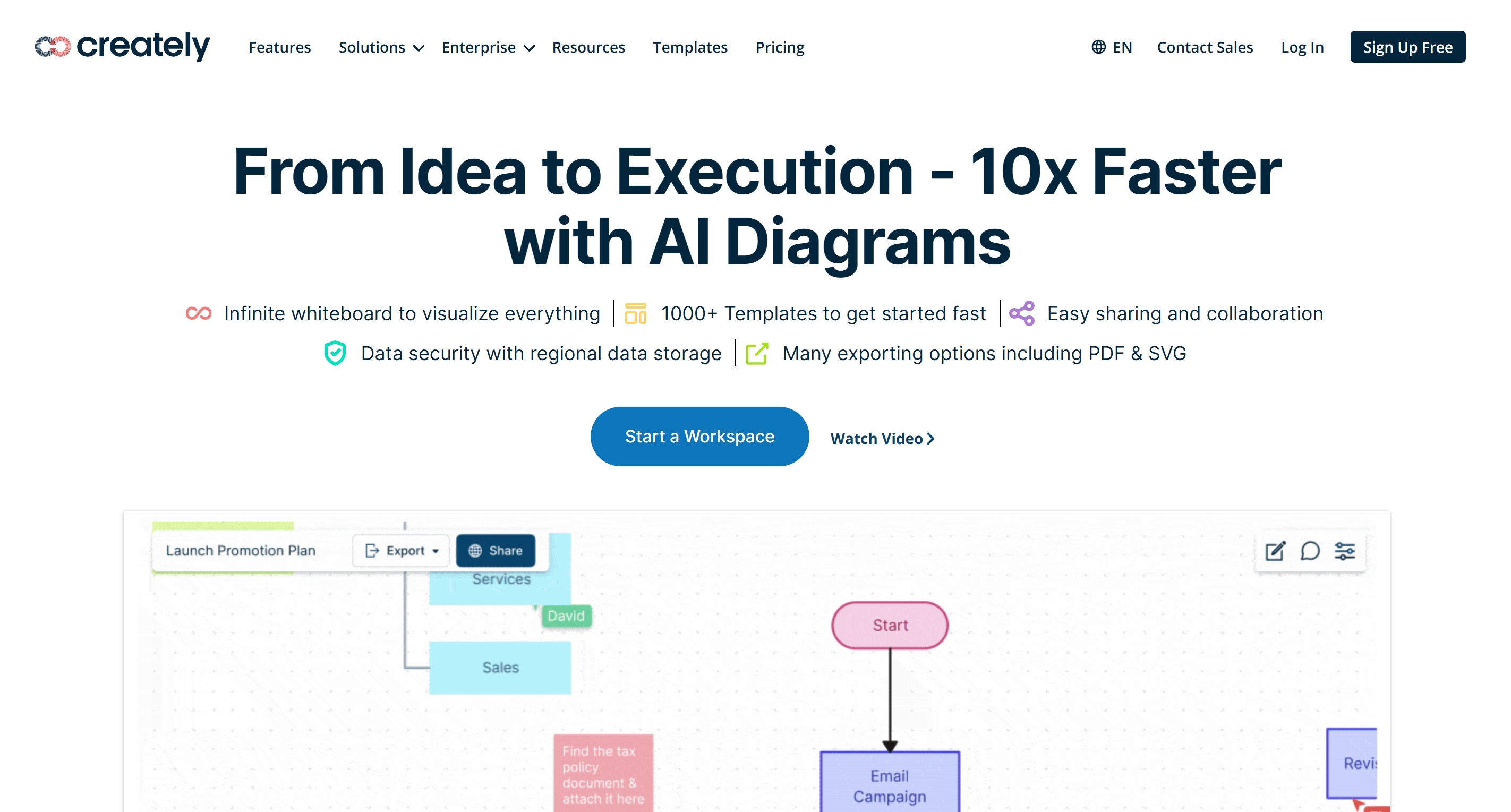
13. Creately – Best for Data-Heavy Projects
Type: Web app · Desktop app
Creately blends diagrams, mind maps, and structured data views.
Free plan highlights:
- 3 workspaces
- Item limits
Pricing context:
- Personal plans start at ~$5/month.
14. Lucidchart – Best for Technical Diagrams
Type: Web app · Desktop app
Lucidchart is widely used in corporate and technical environments.
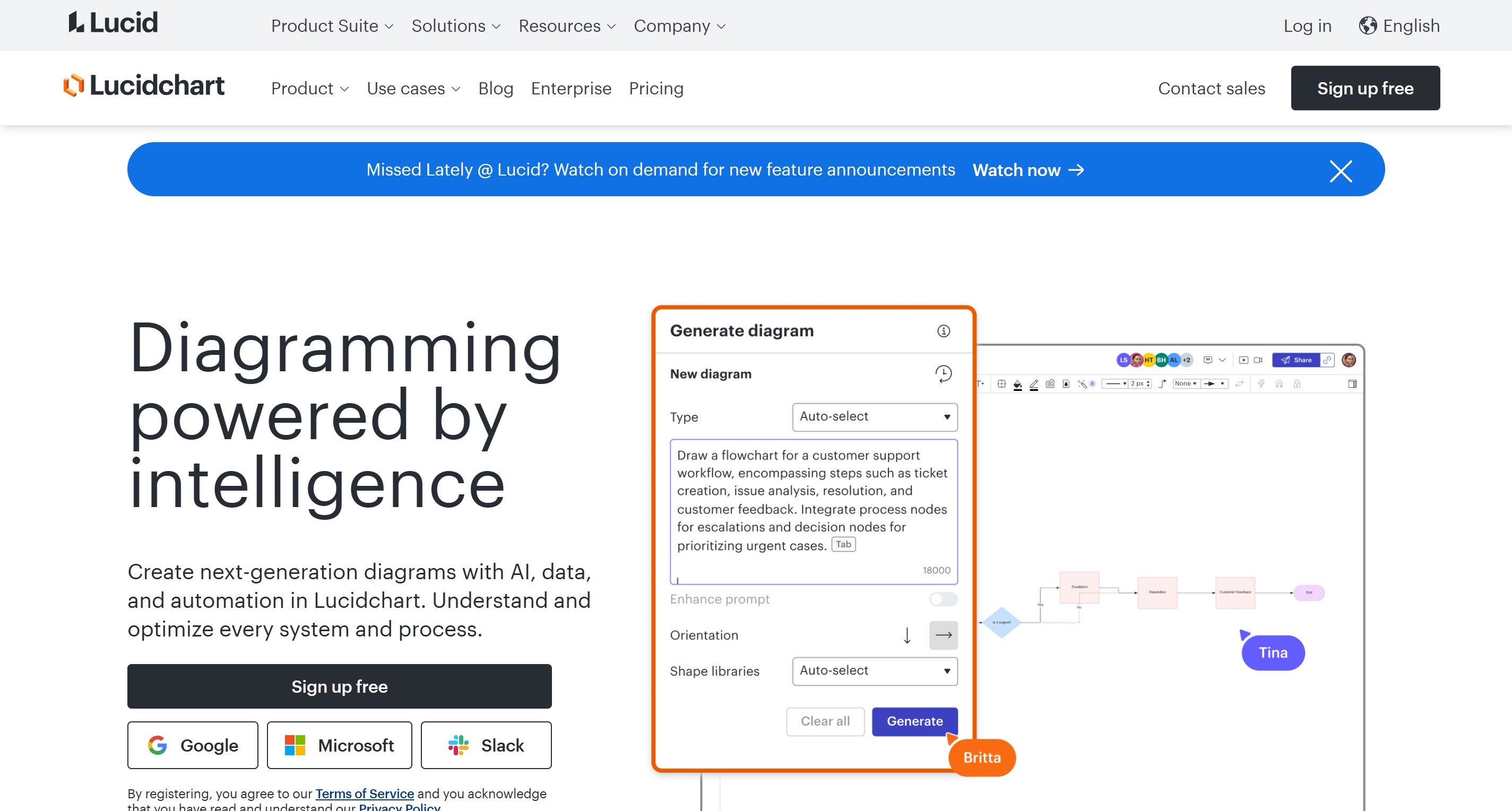
Free plan highlights:
- 3 documents
- Item limits
Pricing context:
- Paid plans start at ~$9/user/month.
🧩 Lightweight & Markdown-Based
15. Markmap – Best for Markdown Users
Type: Web app
Markmap converts Markdown files into interactive mind maps.
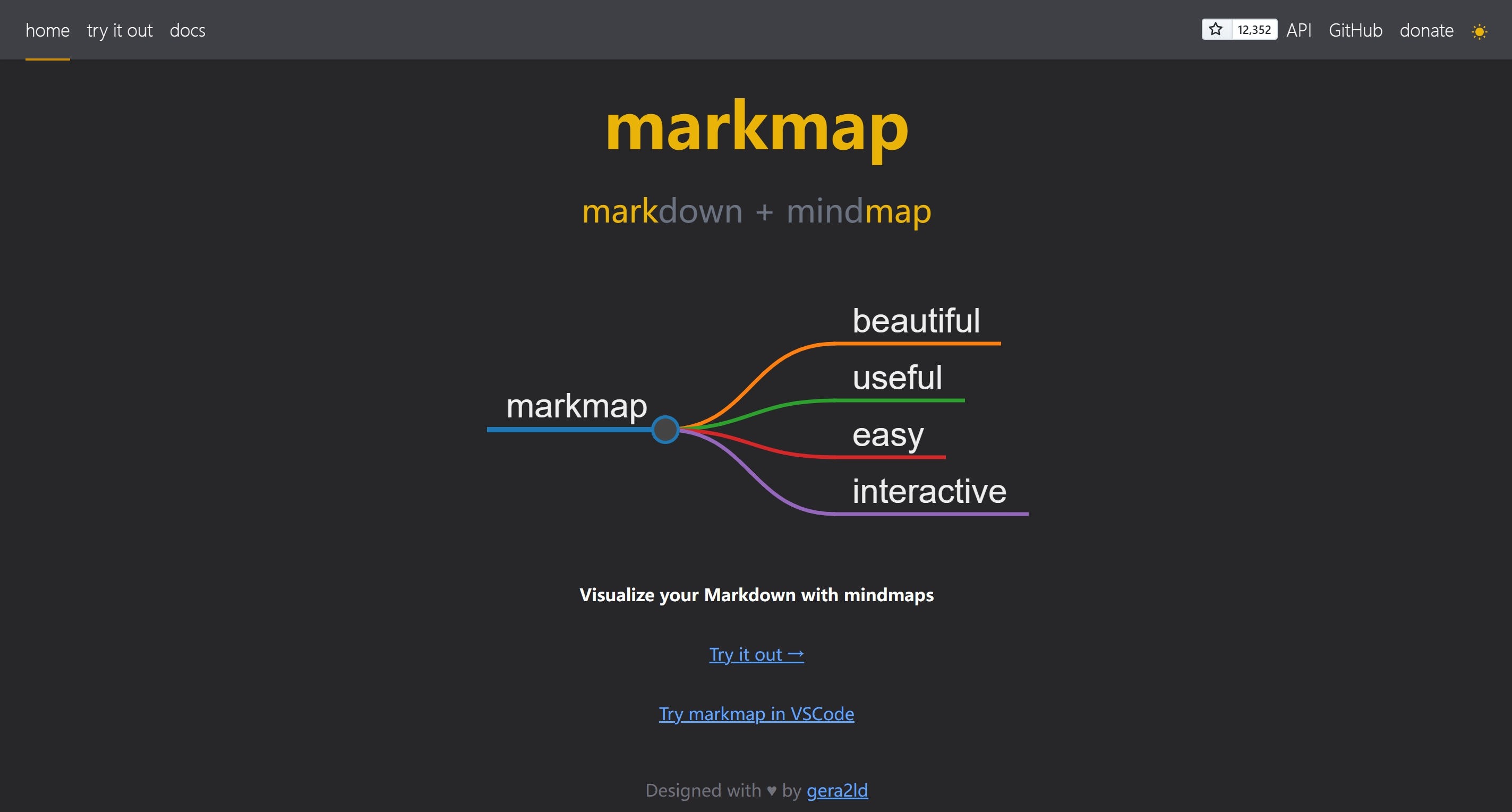
Free plan highlights:
- Unlimited usage
- Open-source
Best for:
- Developers and technical writers
Comparison Table
| Tool | Type | Free Plan Highlights | AI Capabilities | Export / Sharing (Free) | Pricing Context | Best For |
|---|---|---|---|---|---|---|
| ClipMind | Web app · Chrome extension | Manual maps + webpage summarization | Content → editable mind map; dual view | Common exports + share link (varies by plan) | From ~$2.99/mo (annual) | Content comprehension + structured thinking |
| Mapify | Web app | 30 one-time AI credits | Video/audio → map; deep research | Image export (typical) | From ~$5.99/mo (annual) | Multimedia study + synthesis |
| MyMap.AI | Web app | 5 daily credits | Chat-driven mapping + web search | Basic export/share | From ~$12/mo | Fast conversational brainstorming |
| MindMap AI | Web app | 50 monthly credits; 10 projects | 2nd-order connections; focus topics | Basic export | From ~$4.99/mo (annual) | Advanced solo thinking |
| GitMind | Web app · Desktop app | 10 files; 500MB storage | Audio-to-map; AI chat/summary | Standard sharing/export | From ~$4.08/mo (annual) | Team-friendly AI mapping |
| XMind | Desktop · Mobile · Web | 10 maps; 10 AI credits | Text-to-map; pitch mode | Export often limited on free | From ~$4.92/mo | Visual polish + presentations |
| MindMeister | Web app | 3 maps; unlimited collaborators | Task integration (MeisterTask) | Sharing strong; exports may limit | From ~$6.50/mo | Small teams + task workflows |
| Coggle | Web app | 3 private; unlimited public | Light AI/flowchart assists | Basic export/share | From ~$5/mo | Public sharing + simple collaboration |
| MindMup | Web app | Small maps; public save | Large-map support (paid) | Basic export/share | From ~$2.99/mo | Budget users, simple maps |
| Bubbl.us | Web app | 3 maps; basic sharing | Simple AI idea generation | Basic export/share | From ~$4.91/mo (annual) | Education, minimalist mapping |
| Miro | Web · Desktop | 3 boards; limited AI | Clustering; AI sidekicks | Sharing strong; export varies | From ~$8/user/mo (annual) | Agile/enterprise collaboration |
| Whimsical | Web app | 3 boards; 100 AI actions | AI actions per editor | Sharing strong; export varies | From ~$10/mo | Fast product teams |
| Creately | Web · Desktop | 3 workspaces; item limits | AI diagram prompts | Sharing/export varies | From ~$5/mo | Data-heavy planning |
| Lucidchart | Web · Desktop | 3 docs; 60 items/doc | Diagram automation | Sharing/export varies | From ~$9/user/mo (annual) | Technical diagrams + compliance |
| Markmap | Web app | Unlimited (open-source) | N/A | Export via browser/workflow | Free | Markdown-based mapping |
Which Free Mind Map Maker Should You Choose?
If you want the quickest way to pick, start with your workflow—not the feature list.
For turning content into mind maps (best for learning & research)
Choose tools that generate structure from real inputs (webpages, PDFs, videos, chats):
- ClipMind — best when your source is content (web pages, documents, YouTube, AI chat) and you need an editable structure quickly.
- Mapify — best for multimedia synthesis (video/audio → map), study-heavy workflows.
- GitMind — good balance of AI + collaboration if you’re working with others.
For pure brainstorming (fast, lightweight, idea-first)
If you start from prompts and need quick expansion:
- MyMap.AI — conversational, “chat your way” into a mind map.
- MindMap AI — stronger at structured thinking (second-order connections), better for deep solo exploration.
For presentation-ready mind maps (aesthetics & polish)
If your goal is to present or teach:
- XMind — strong visual layout and pitch mode; great for decks and storytelling.
- MindMeister — collaborative maps + task workflow integration for small teams.
For team workshops and product collaboration (whiteboard-style)
If you run workshops, sprint planning, or multi-stakeholder ideation:
- Miro — best for large-scale collaboration and workshop facilitation.
- Whimsical — faster, cleaner UX for product teams; good for diagrams + light AI.
For simple free mapping (minimal needs, no learning curve)
If you just need a basic mind map:
- Coggle — simple, shareable, and great for public maps.
- MindMup / Bubbl.us — solid for students and simple outlines.
For Markdown-first workflows (developers & writers)
If your notes already live in Markdown:
- Markmap — best for turning structured text into an interactive map with almost zero friction.
Final Thoughts
Free mind map makers in 2026 are more capable than ever—but they serve very different needs. Traditional tools excel at manual creation, whiteboards shine in collaboration, and AI-powered tools are redefining how we understand information at scale.
The best choice depends on whether you are mapping ideas from scratch, collaborating with a team, or turning complex content into structured knowledge.
For simple brainstorming or presentations, classic tools may be sufficient. For workshops and team ideation, collaborative whiteboards make sense. But if your main challenge is digesting large amounts of content and structuring knowledge quickly, AI-powered mind map makers are increasingly becoming the more efficient choice.
Ultimately, the best free mind map maker is the one that helps you think more clearly with less friction. Start with the free tier, test it against your real use cases, and upgrade only when the tool proves its value in your daily workflow.
Frequently Asked Questions (FAQ)
What is the best free online mind map maker in 2026?
There is no single “best” tool for everyone. The best free online mind map maker depends on your use case.
- For turning articles, PDFs, or videos into structured maps, AI-powered tools like ClipMind or Mapify are more efficient.
- For manual brainstorming and presentations, classic tools like XMind or MindMeister work well.
- For team collaboration, whiteboard-style tools such as Miro or Whimsical are better suited.
Are free mind map makers actually usable?
Yes—but with limitations. Most free plans restrict the number of maps, AI credits, exports, or collaboration features.
Free versions are best used to:
- Test whether the tool fits your workflow
- Handle light or occasional use
- Create simple personal mind maps
For heavy research, frequent exports, or team workflows, paid plans are usually required.
What is the difference between AI mind map makers and traditional ones?
Traditional mind map tools focus on manual creation, where users build maps node by node.
AI mind map makers can automatically:
- Generate structure from text, webpages, PDFs, videos, or audio
- Expand ideas and suggest relationships
- Reduce time spent organizing information
AI tools are better for information digestion, while traditional tools are better for creative control.
Can I use these mind map tools without installing software?
Yes. Most tools in this list are available as web apps that run directly in your browser.
Some tools also offer:
- Desktop or mobile apps (e.g., XMind, Miro)
- Browser extensions for workflow integration (e.g., ClipMind)
The availability is noted under each tool’s “Type” section.
Which free mind map maker is best for students?
For students, the best options depend on study style:
- ClipMind / Mapify – best for summarizing long readings, papers, or videos
- XMind – best for visually polished notes and presentations
- MindMup / Bubbl.us – simple and lightweight for basic study maps
AI-powered tools are especially helpful for literature review and exam preparation.
Which free mind map maker is best for team collaboration?
Tools designed for collaboration include:
- Miro – best for workshops, agile planning, and large teams
- MindMeister – good for small teams with task integration
- GitMind – combines AI features with collaborative editing
Keep in mind that most team features scale on a per-user paid model.
Can I export mind maps for free?
Most free plans allow basic exports, but formats and limits vary.
Common restrictions include:
- Limited export formats (image only)
- Watermarks
- Export count limits
If exporting to Markdown, SVG, or PDF is critical, always check the free plan carefully before committing.
Are AI-generated mind maps accurate?
AI-generated mind maps are best viewed as starting points, not final truth.
They are effective for:
- Extracting structure
- Identifying key themes
- Speeding up comprehension
However, users should always review, edit, and refine the output—especially for academic or professional work.